HomeQuality Intelligence
  • Company
    • About Us

      See how others are using Quality Intelligence

    • Why Choose Us

      Our unique selling points and competitive advantages

    • Services

      Our services and offerings

    • Use Cases

      Real-world examples of our solutions

    What’s new

    What’s new

    Product updates

    Stay ahead with the latest features and improvements.

    new-arrownew-arrow
  • Platform

    Overview

    • Features & Capabilities
    • Process & Workflow
    • Security & Compliance
    • Download App

    Integrations

    • Pricing
    • Customer Support
    • Explore All Integrations
    Featured

    Self-healing tests

    AI repairs your suite
    when the UI changes.

    new-arrownew-arrow
    Featured

    Record once, run everywhere

    Web, Android, Flutter
    & iOS from one flow.

    new-arrownew-arrow
  • Resources
    • Tutorial
    • FAQ
    • Glossary
    • Support
    • Contact
  • Plans & Support
    • Login

      Login to continue

    • Create Account

      Get started with Quality Intelligence

    • Terms & Conditions

      Get started with Quality Intelligence

    • Privacy Policy

      Get started with Quality Intelligence

    • GDPR

      Check compliance details

    What's New

    What's New

    AI Changelog

    Access all your workflows, analytics, and integrations in one smart dashboard.

  • Pricing
Get started
HomeQuality Intelligence

Menu

    • About Us
    • Why Choose QI
    • Use Cases
    • Recorder
    • Integrations
    • Self-healing
    • Pen-testing
    • Multi-platform
    • Download
    • Tutorial
    • FAQ
    • Glossary
    • Pricing
    • Login
    • Start Free
    • Terms & Conditions
    • Privacy Policy
    • GDPR
Process

How Quality Intelligence works

A simple, repeatable loop: record real flows, heal them automatically, run deterministically, and export code you own.

stepstep

STEP 1

Record

Click through your app in the desktop recorder and QI captures every action across web, Android, Flutter, and iOS.

stepstep

STEP 2

Generate & enhance

QI turns the recording into clean Playwright—or drafts test cases from a PRD, Figma design, or Jira ticket.

stepstep

STEP 3

Self-heal

When the UI changes, AI repairs selectors automatically so your suite stays green—used only to heal, never to run.

stepstep

STEP 4

Run deterministically

Tests execute as plain Playwright in your CI or the cloud—reproducible every time, with no AI tax to run.

stepstep

STEP 5

Export, no lock-in

Take your full Playwright code with you anytime. Bundled Strix pen-testing runs alongside for security coverage.

Process

How Quality Intelligence works, step by step

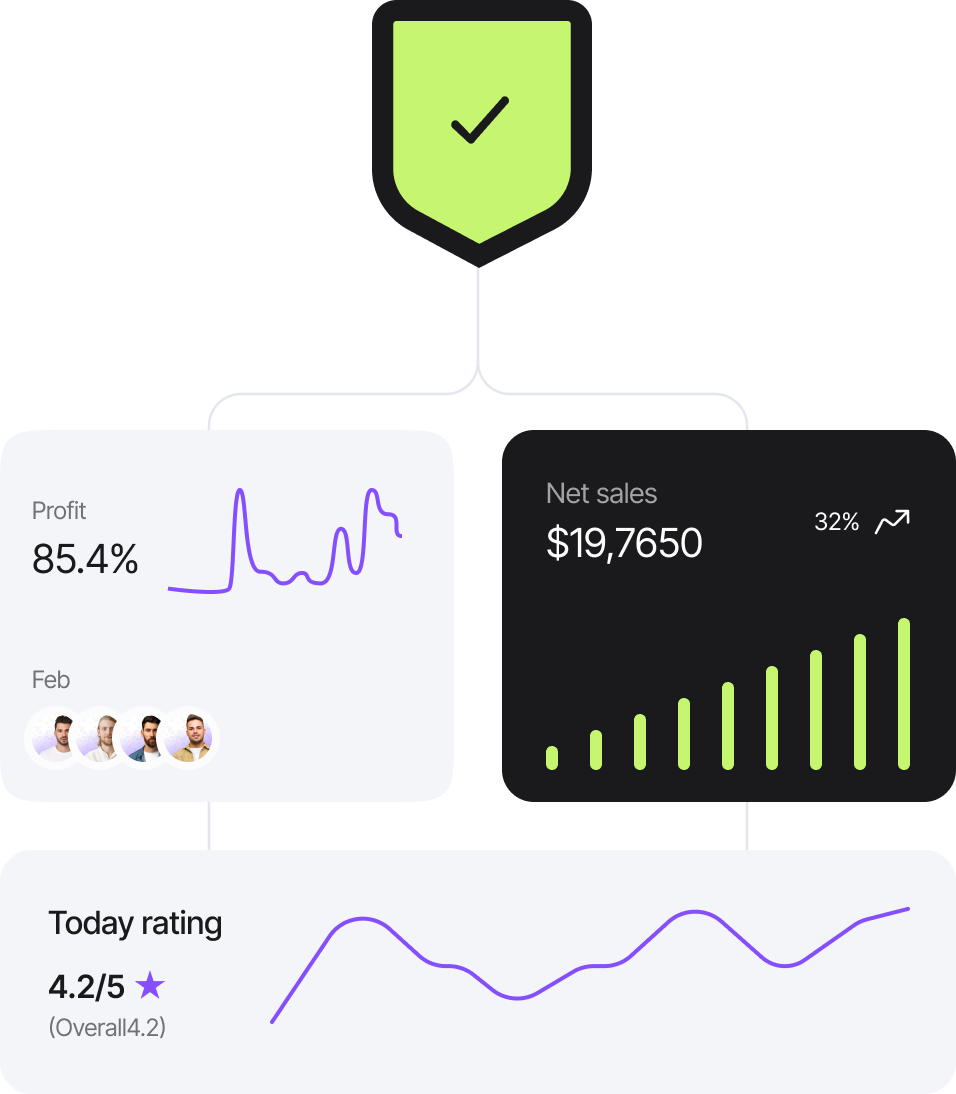
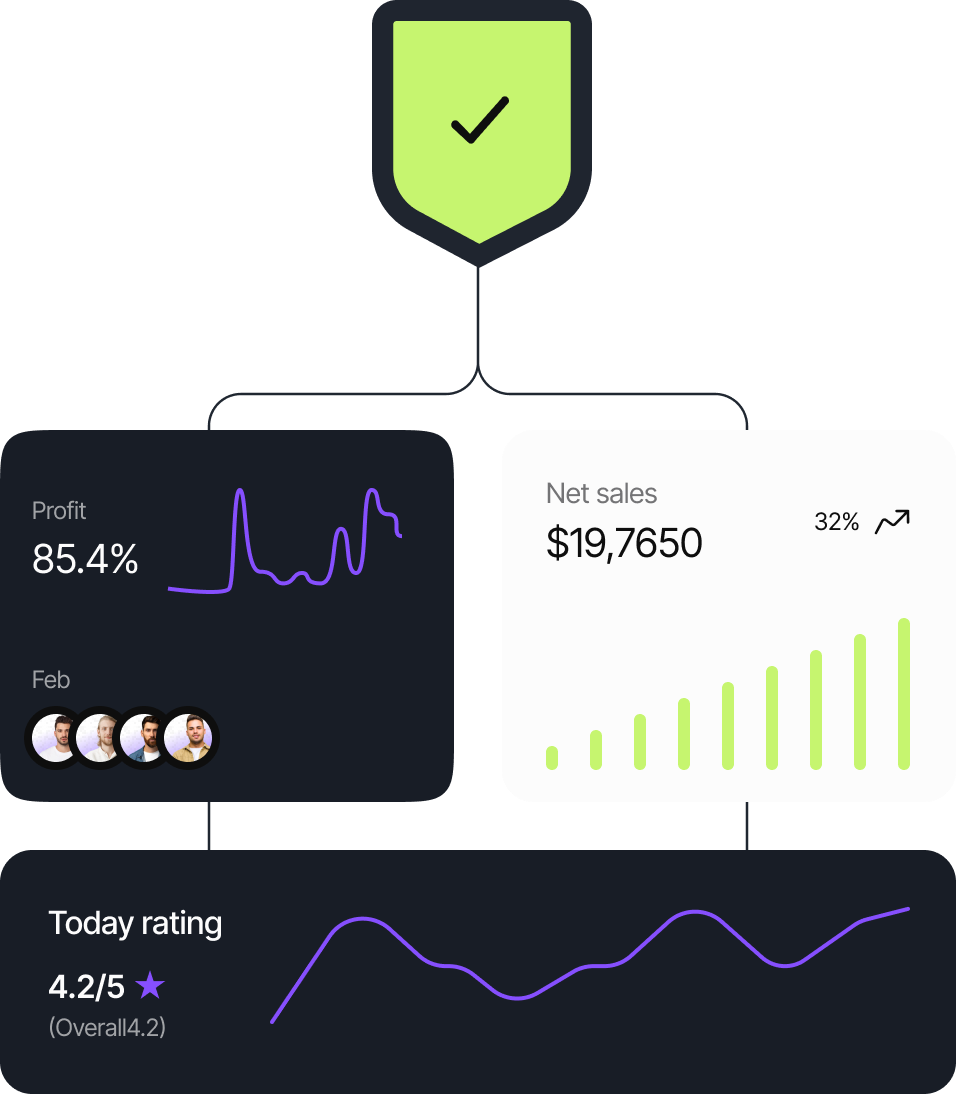
From a real user flow to a passing test suite: record the flow, let AI heal it when the UI changes, run it as plain Playwright, and export the code you own.
processprocess
1

Record your flow

Click through your app in the desktop recorder—web, Android, Flutter, or iOS—and QI captures every step.

2

Self-heal

When the UI changes, AI repairs the selectors so your tests keep passing—no manual rewrites required.

3

Run & export

Tests run as deterministic Playwright, and you can export the full code anytime with no lock-in.

Get started

Record, heal, run, and export—end to end

Start your free plan today and turn real user flows into reliable Playwright tests.

  • No credit card required

  • 14-Day free trial

footer-four-gradient
Quality Intelligence

Record real user flows into self-healing Playwright tests. Deterministic runs, no AI tax, full export — across web, Android, Flutter & iOS, with bundled pen-testing.

X (Twitter)X
GitHubGitHub
LinkedInLinkedIn
YoutubeYoutube
DiscordDiscord

Company

  • About Us
  • Contact Us

Resources

  • FAQ
  • Documentation
  • Tutorials
  • Support

Legal Policies

  • Terms & Conditions
  • Privacy Policy
  • GDPR Compliance

Copyright © Quality Intelligence — AI-driven end-to-end QA test automation.